Amplifying Analog Voltages with the LM358
05.03.2025
Elektronik | Funk | Software
Der Technik-Blog
05.03.2025

25.02.2025
25.02.2025
12.02.2025
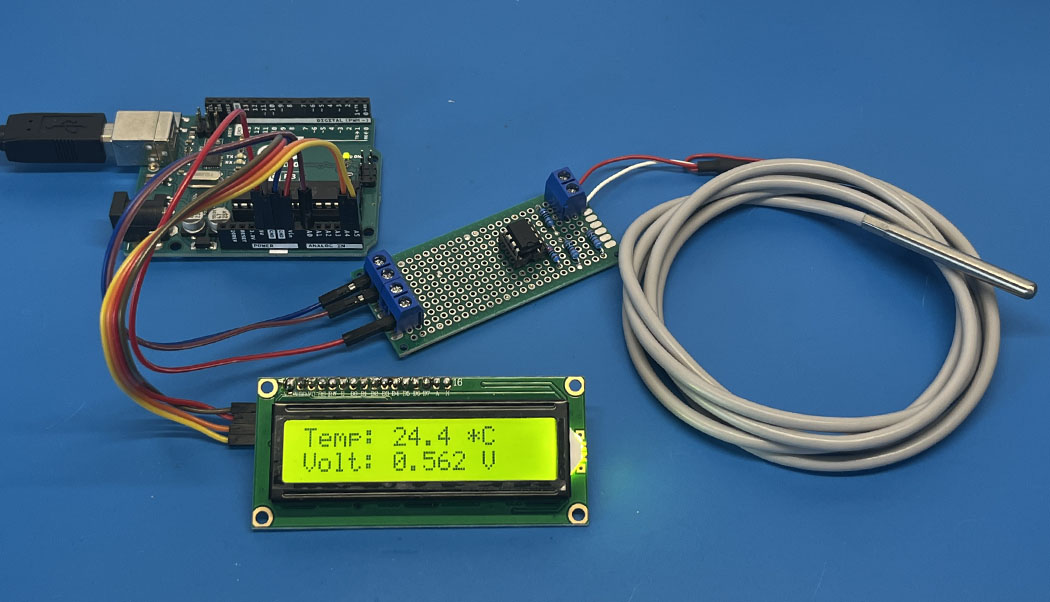
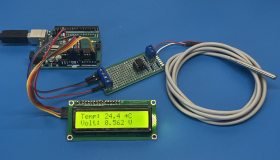
Sample code from the PT100 temperature measurement project with the Arduino. This sample code prints the measured temperature values in the serial monitor.
//More information about this project can be find here: https://www.aeq-web.com/pt100-temperature-sensor-arduino-r-u-converter/

const int pt100Pin = A0;  // Define PT100 input pin
const float offset = -0.00; // Offset (depending on the line resistance)

// Define known points (voltage & temperature)
const float voltages[] = { 0.079, 0.56, 1.04, 1.99, 2.95 };    // Voltages in Volts
const float temperatures[] = { 0, 25.0, 50.0, 100.0, 150.0 };  // Temperatures in Celsius

const int numPoints = sizeof(voltages) / sizeof(voltages[0]);

// Linear interpolation
float interpolate(float x, float x0, float x1, float y0, float y1) {
  return y0 + (y1 - y0) * (x - x0) / (x1 - x0);
}

// Calculate temperature from voltage
float calculateTemperature(float voltage) {

  // Set to 0°C if voltage is higher than max. known point
  if (voltage > voltages[numPoints - 1]) {
    return 0;
  }

  // Find limits for interpolation
  int i = 0;
  while (voltage > voltages[i + 1] && i < numPoints - 1) {
    i++;
  }

  // Interpolate between limits
  return interpolate(voltage, voltages[i], voltages[i + 1], temperatures[i], temperatures[i + 1]);
}

void setup() {
  Serial.begin(9600);
}

void loop() {

  int sensorValue = analogRead(pt100Pin);
  float voltage = sensorValue * (5.0 / 1023.0);
  float temperature = calculateTemperature(voltage)+offset;

  Serial.print("Voltage: ");
  Serial.print(voltage, 3);
  Serial.print("V, Temperature: ");
  Serial.print(temperature, 1);
  Serial.println("°C");

  delay(1000);
}

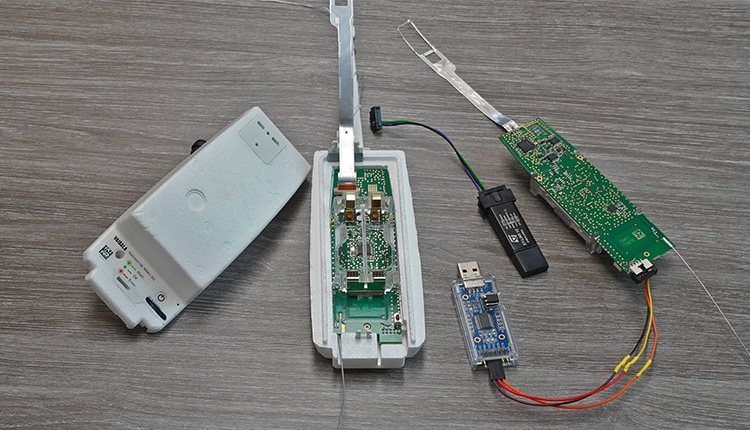
Every day hundreds of meteorological radiosondes fall from the sky. In this article we convert a radiosonde into a GPS tracker for APRS, RTTY & CW
read more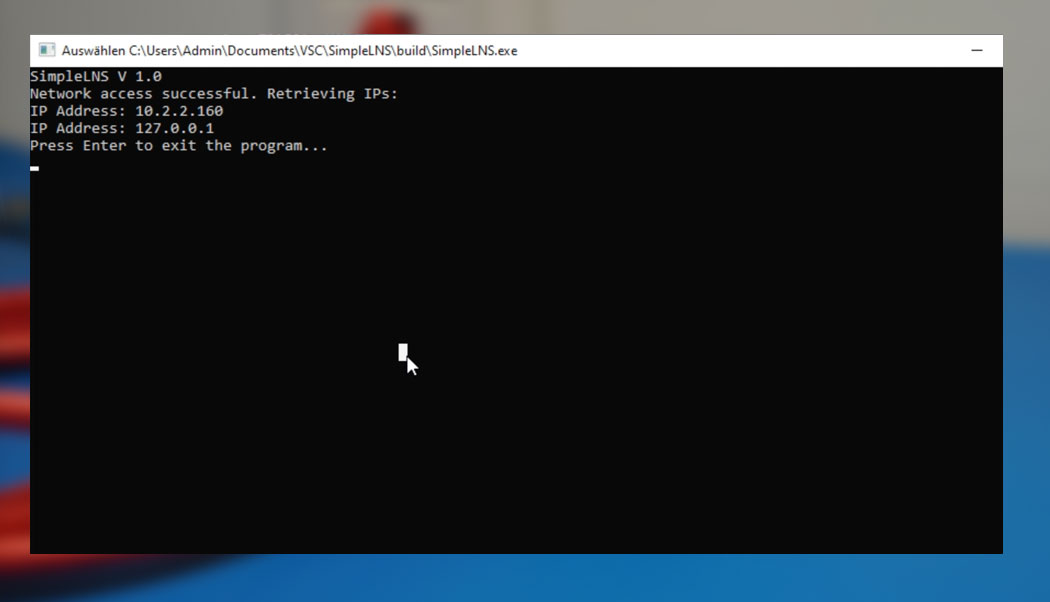
This example code in C++, compiled with CMake, displays the current IP addresses of the network interface on both Windows and Linux.
read more
05.03.2025
25.02.2025
25.02.2025
12.02.2025

AEQ-WEB ist ein Blog von Alex & Andi, der sich mit Elektronik, Funk & Software beschäftigt
read moreAEQ-WEB © 2015-2026 All Right Reserved