Amplifying Analog Voltages with the LM358
05.03.2025
Elektronik | Funk | Software
Der Technik-Blog
05.03.2025

25.02.2025
25.02.2025
12.02.2025
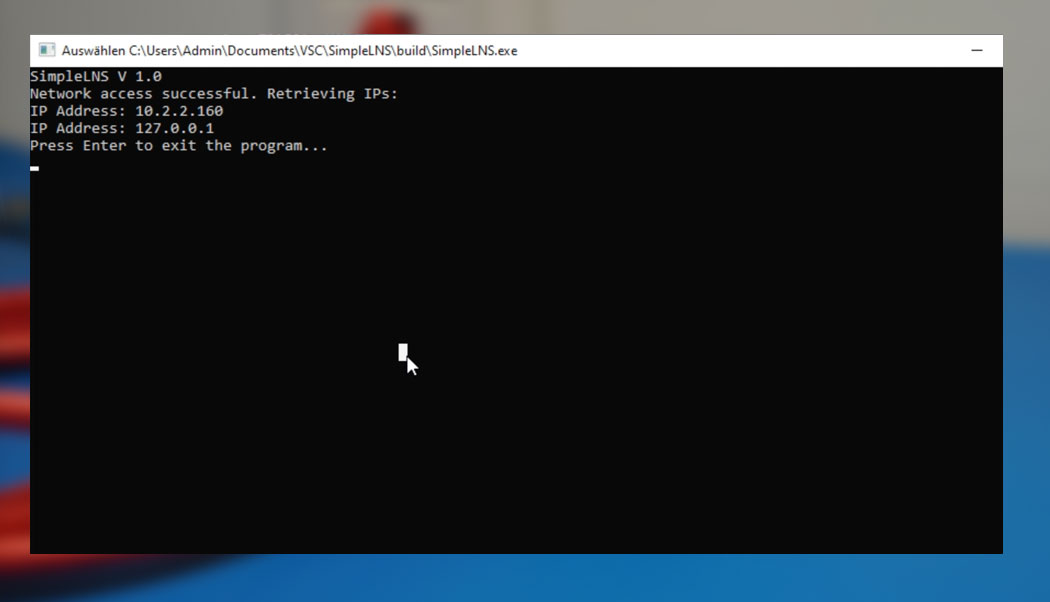
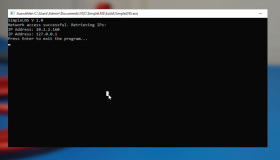
The following CMake C++ sample code shows the IP addresses of the network cards under Windows and Linux.
# Set the minimum required version of CMake
cmake_minimum_required(VERSION 3.10)

# Project name
project(IpView)

# Set the C++ standard
set(CMAKE_CXX_STANDARD 17)
set(CMAKE_CXX_STANDARD_REQUIRED True)

# Create the executable program
add_executable(IpView src/main.cpp)

# Link necessary libraries for Windows
if (WIN32)
    target_link_libraries(IpView ws2_32 iphlpapi)
    set(CMAKE_CXX_FLAGS "-static-libgcc -static-libstdc++")
    set(CMAKE_EXE_LINKER_FLAGS "-static")
endif()

# Enable static linking on Linux
if (UNIX AND NOT APPLE)
    set(CMAKE_CXX_FLAGS "${CMAKE_CXX_FLAGS} -static-libgcc -static-libstdc++ -static")
    target_link_libraries(IpView -static -pthread)
endif()
#include <iostream>
#include <string>
#include <cstring>
#include <iomanip>
#include <chrono>
#include <ctime>
#include <algorithm>

#ifdef _WIN32
    #include <winsock2.h>
    #include <iphlpapi.h>
    #pragma comment(lib, "iphlpapi.lib")
    #pragma comment(lib, "Ws2_32.lib")
    #include <ws2tcpip.h>
#else
    #include <sys/types.h>
    #include <sys/socket.h>
    #include <ifaddrs.h>
    #include <netinet/in.h>
    #include <arpa/inet.h>
    #include <unistd.h>
#endif

bool initializeNetwork() {
#ifdef _WIN32
    WSADATA wsaData;
    if (WSAStartup(MAKEWORD(2, 2), &wsaData) != 0) {
        std::cerr << "WinSock could not be initialized." << std::endl;
        std::cin.get(); // Wait for input to keep window open on error
        return false;
    }
    std::cout << "WinSock successfully initialized." << std::endl;
#endif
    return true;
}

void printIPAddresses() {
#ifdef _WIN32
    // Retrieve adapter information on Windows
    ULONG bufferSize = 15000;
    PIP_ADAPTER_ADDRESSES adapterAddresses = (IP_ADAPTER_ADDRESSES*)malloc(bufferSize);
    if (GetAdaptersAddresses(AF_INET, GAA_FLAG_INCLUDE_PREFIX, nullptr, adapterAddresses, &bufferSize) == NO_ERROR) {
        for (PIP_ADAPTER_ADDRESSES adapter = adapterAddresses; adapter != nullptr; adapter = adapter->Next) {
            if (adapter->OperStatus == IfOperStatusUp) {
                for (PIP_ADAPTER_UNICAST_ADDRESS ua = adapter->FirstUnicastAddress; ua != nullptr; ua = ua->Next) {
                    char ipAddress[INET_ADDRSTRLEN];
                    sockaddr_in* sockaddr = (sockaddr_in*)ua->Address.lpSockaddr;
                    inet_ntop(AF_INET, &sockaddr->sin_addr, ipAddress, INET_ADDRSTRLEN);
                    if (std::string(ipAddress) != "127.0.0.1") {
                        std::cout << "IP Address: " << ipAddress << std::endl;
                    }
                }
            }
        }
    } else {
        std::cerr << "Could not retrieve adapter information." << std::endl;
        std::cin.get(); // Wait for input to keep window open on error
    }
    free(adapterAddresses);
    WSACleanup();
#else
    struct ifaddrs *interfaces = nullptr;
    struct ifaddrs *ifa = nullptr;
    if (getifaddrs(&interfaces) == -1) {
        std::cerr << "Could not retrieve network adapters." << std::endl;
        std::cin.get(); // Wait for input to keep window open on error
        return;
    }
    for (ifa = interfaces; ifa != nullptr; ifa = ifa->ifa_next) {
        if (ifa->ifa_addr && ifa->ifa_addr->sa_family == AF_INET) {
            char ipAddress[INET_ADDRSTRLEN];
            void* addr = &((struct sockaddr_in*)ifa->ifa_addr)->sin_addr;
            inet_ntop(AF_INET, addr, ipAddress, INET_ADDRSTRLEN);
            if (std::string(ipAddress) != "127.0.0.1") {
                std::cout << "IP Address: " << ipAddress << std::endl;
            }
        }
    }
    freeifaddrs(interfaces);
#endif
}


int main() {
    std::cout << "IPViewer" << std::endl;

    if (!initializeNetwork()) {
        std::cerr << "Network access not available." << std::endl;
        std::cin.get();
        return 1;
    }

    std::cout << "Network access successful. Retrieving IPs:" << std::endl;
    printIPAddresses();
    std::cin.get();
    return 0;
}

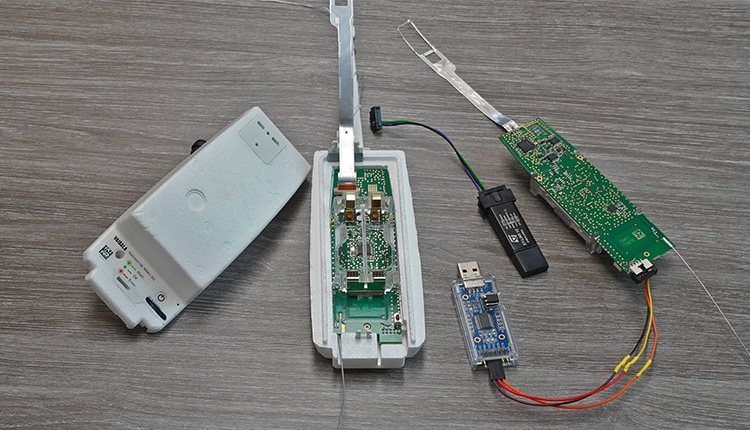
Every day hundreds of meteorological radiosondes fall from the sky. In this article we convert a radiosonde into a GPS tracker for APRS, RTTY & CW
read more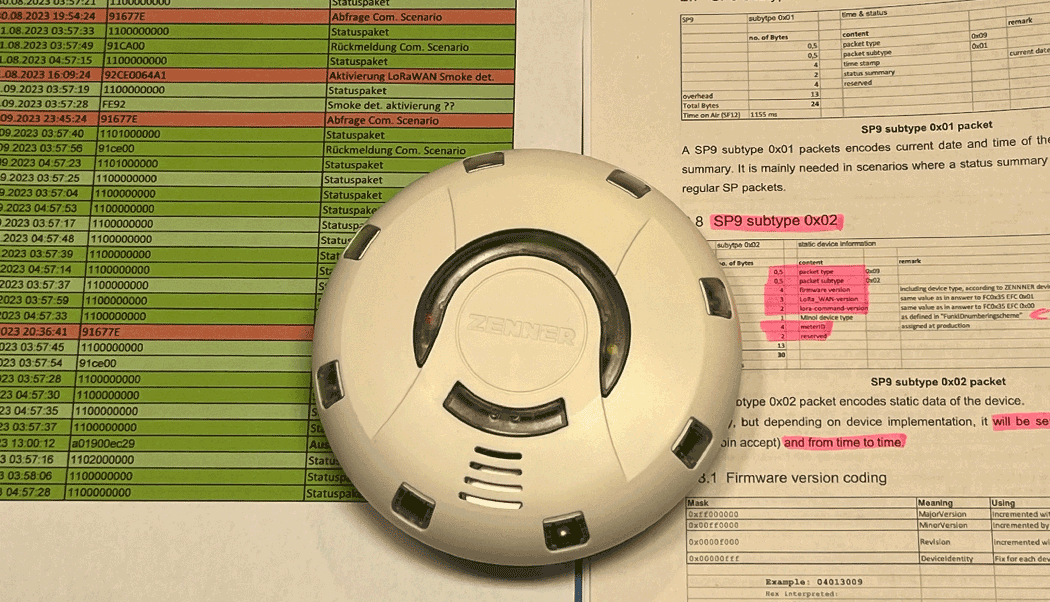
TTN Payload Decoder for Zenner Easy Protect LoRaWAN Smoke Detector (RWM3)
read more
05.03.2025
25.02.2025
25.02.2025
12.02.2025

AEQ-WEB ist ein Blog von Alex & Andi, der sich mit Elektronik, Funk & Software beschäftigt
read moreAEQ-WEB © 2015-2026 All Right Reserved